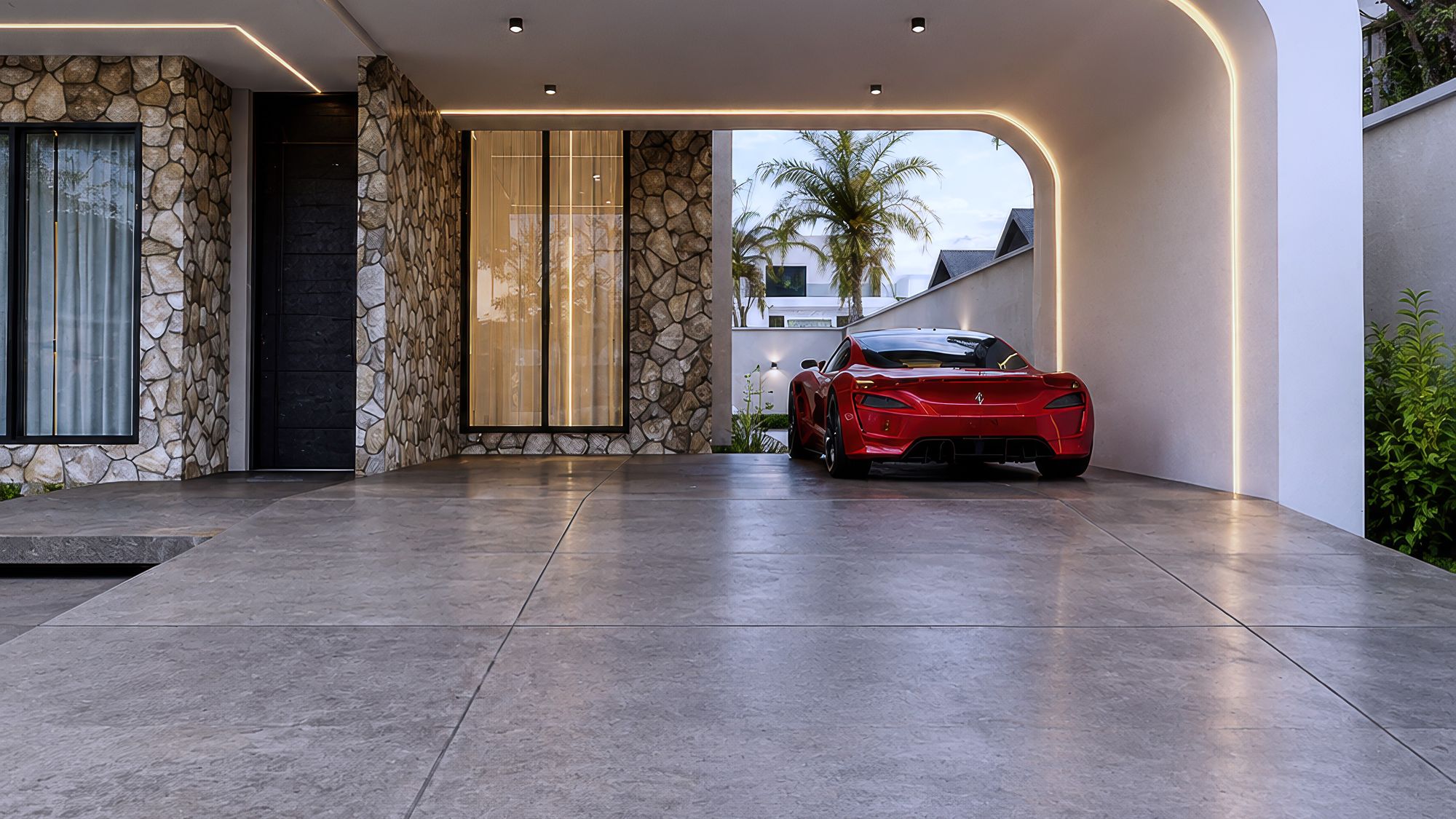
This is where you begin your journey in visualization
A self-paced video course covering the full beginner archviz pipeline: Revit, 3ds Max, V-Ray and Photoshop.
Overview
No theory-only lessons and no padded filler. Just the workflow used on real client renders, taught straight, so you can go from zero to a portfolio-ready render and take on real projects.
Start with the Beginner Bundle
Beginner Bundle
$22
One-time payment, lifetime access. Shown in your currency as a guide. The final amount appears at checkout.
- 16 video lessons
- Revit + 3ds Max + V-Ray workflow
- Photoshop post-production module
- Watch on any device, anytime
- Free updates to this course
How it works
Enroll
Pay securely by card, bank transfer or USSD.
Get instant access
Your login to the course library arrives right after payment.
Learn at your pace
Lifetime access on any device. Rewatch any lesson.
From the ground up. One full pipeline.
16 videos, self-paced, start to finish.
Getting started
00
IntroductionWhat this course covers and how to get the most out of it.
—
Meet the TutorA quick introduction to who's teaching you.
Software foundations
01
Getting Familiar with Revit InterfaceNavigating Revit before you model anything.
02
Getting Familiar with 3ds Max InterfaceNavigating 3ds Max and understanding where everything lives.
03
Revit Modelling 01Starting your first model in Revit.
04
Revit Modelling 02Continuing and refining your Revit model.
05
3ds Max Modelling BasicsCore modelling tools and workflow inside 3ds Max.
Rendering and visualization
06
3ds Max Rendering Setup, Lighting & CameraSetting a scene up to render: lighting and camera placement.
07
Revit Full Design ProjectTaking a complete design project through Revit start to finish.
08
3ds Max Exterior Rendering and SettingsRendering an exterior scene with the right settings for clean output.
10
3ds Max First VizYour first full visualization project, start to finish.
Post-production
09
Post Processing After RenderingRefining a render before it's considered finished.
11
Post Production with PhotoshopCompositing and finishing your render in Photoshop.
Interior visualization and bonus
12
Interior Visualisation 001Applying the full workflow to an interior scene.
13
Furniture Modelling in 3ds Max (bonus class)Modelling your own furniture pieces instead of relying on stock assets.
14
Interior 3D Visualisation 02A second full interior visualization, building on what came before.
Built by students who started right here
Real renders from people who took this exact course. Select one to see it larger.
More tracks are in production
Interior Design Track
In production. Pricing on release.
- Material storytelling for interiors
- Styling and furniture curation
- Client presentation boards
Advanced Track
In production. Pricing on release.
- Complex lighting scenarios
- Exterior visualization at scale
- Studio-grade render optimization
Animation Track
In production. Pricing on release.
- Camera animation fundamentals
- Walkthrough sequencing
- Animated render optimization