Dimensioned drawings, right where your model lives
An architectural layout panel that lets architects and interior designers add dimensions and prepare annotated drawings in 3ds Max.
Overview
Stop exporting to another program to dimension your drawings. PANEL turns your 3ds Max model into sheets: cut it with a section box, drop plans, elevations and sections onto paper at scale, dimension directly on the sheet with snapping to the real model, add notes with arrows, and export a PDF at true paper size.
Try the section box
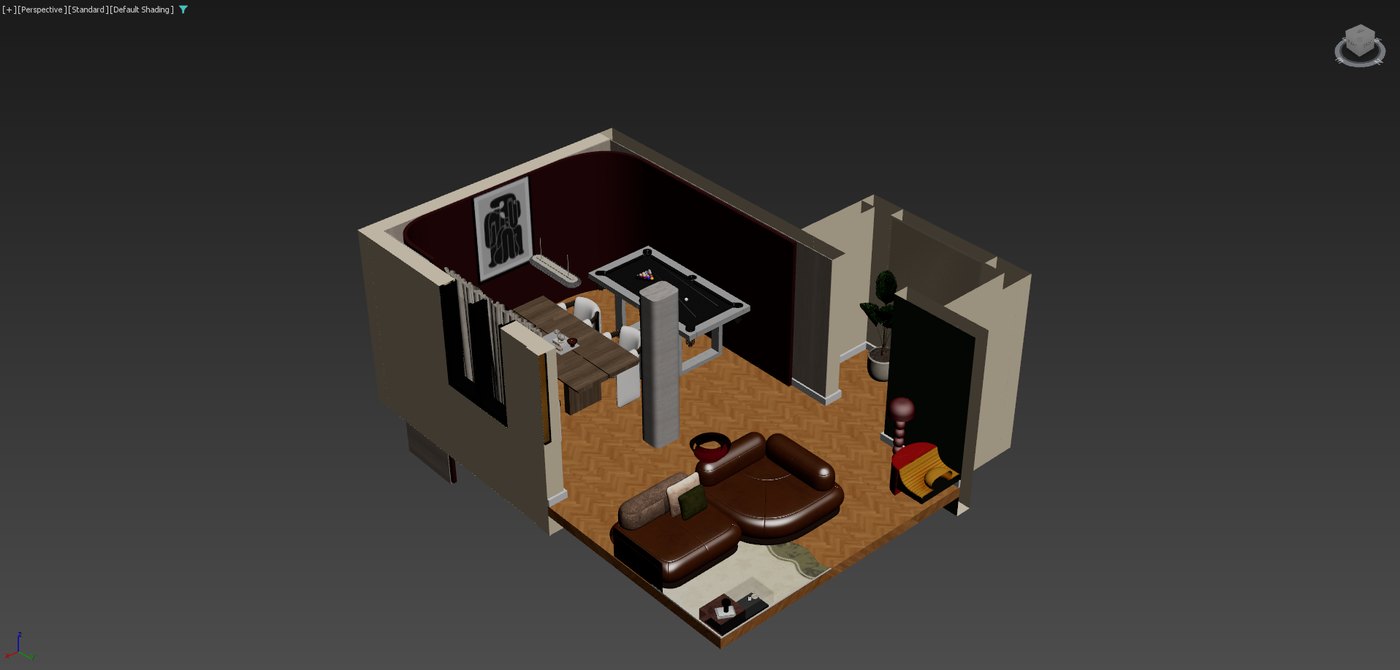
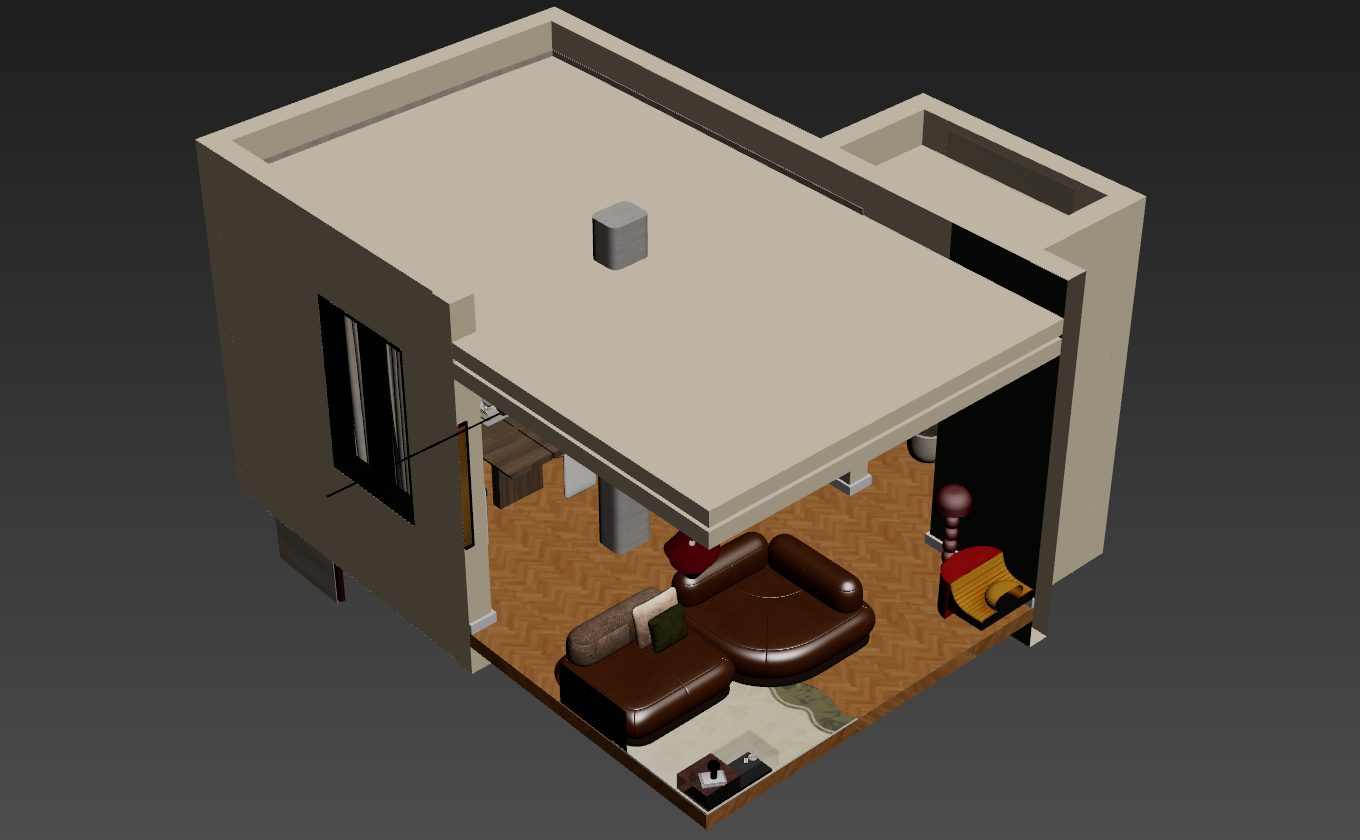
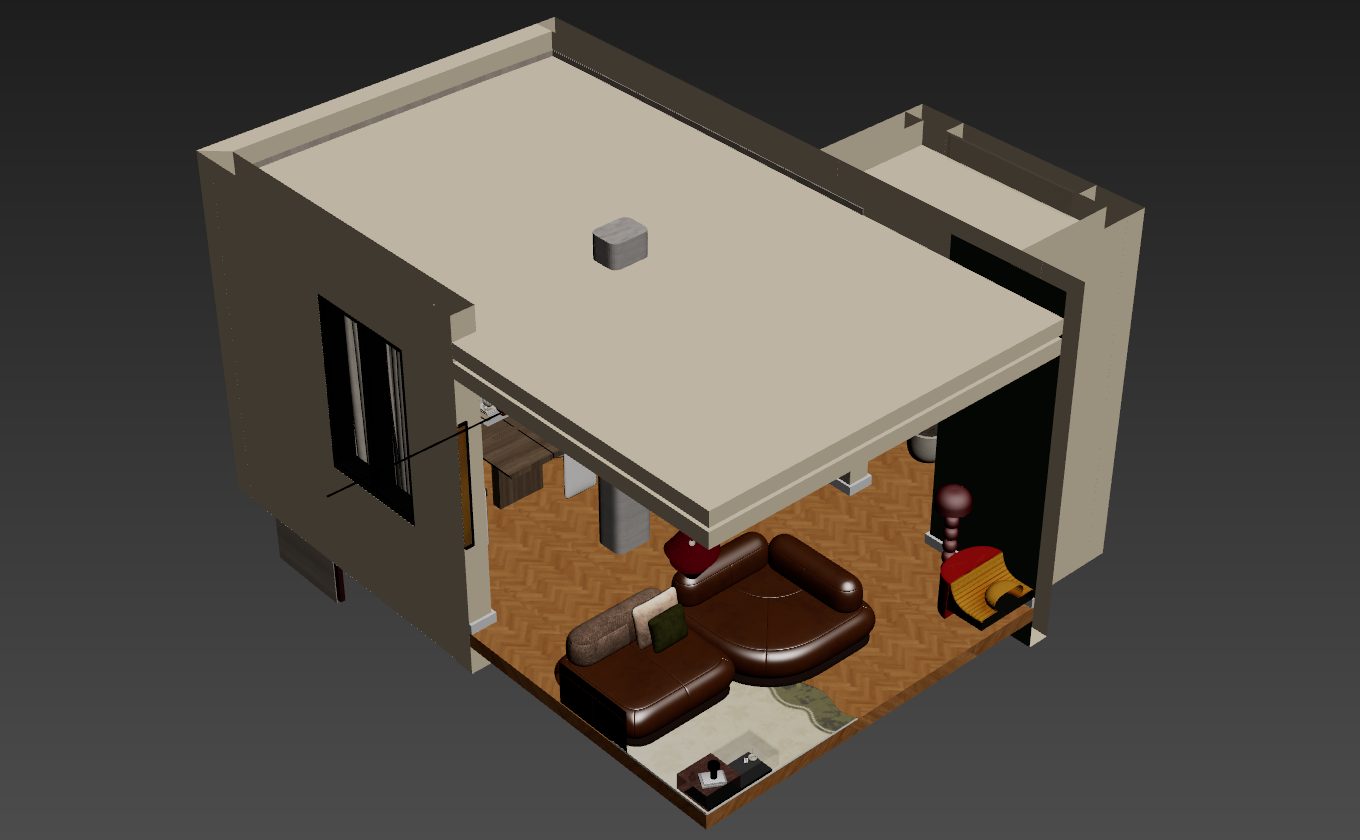
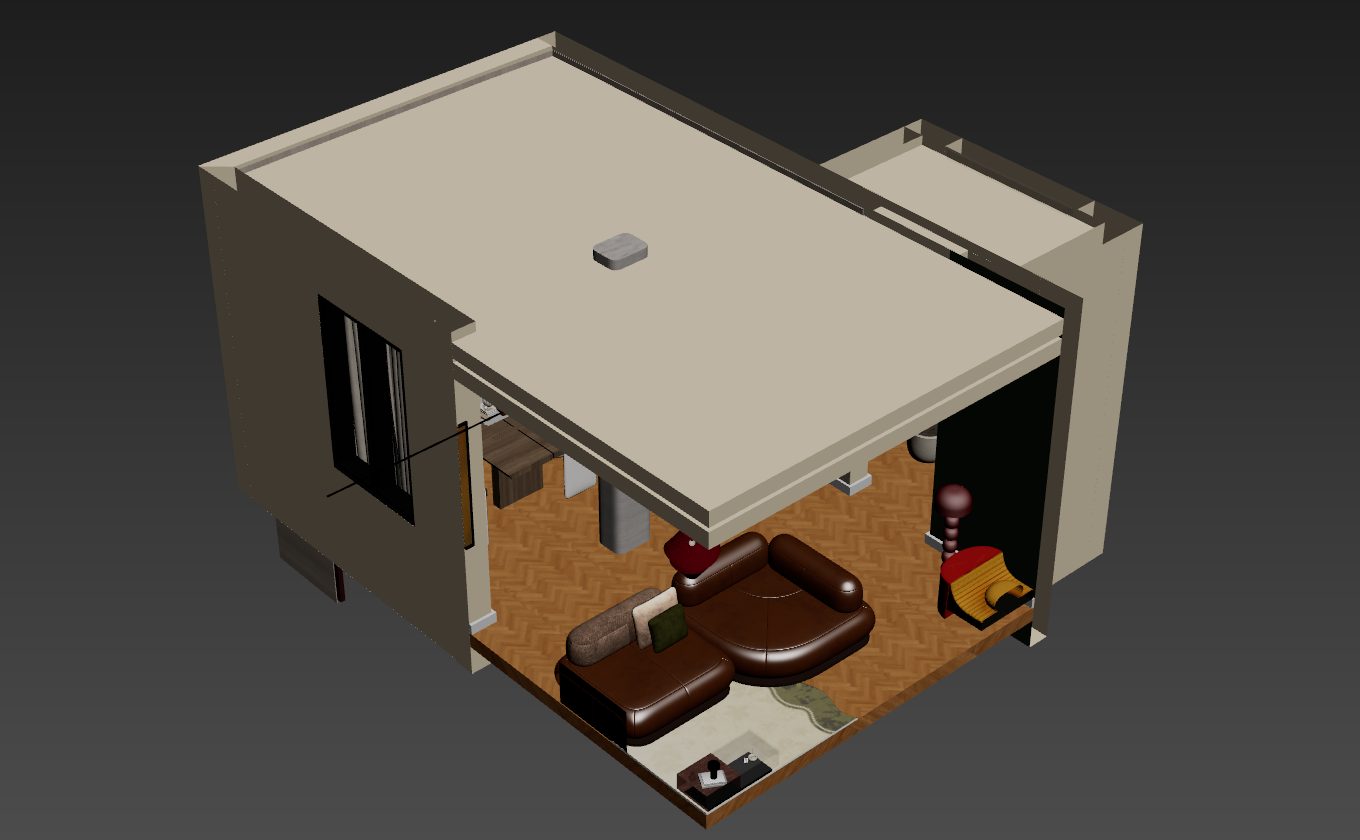
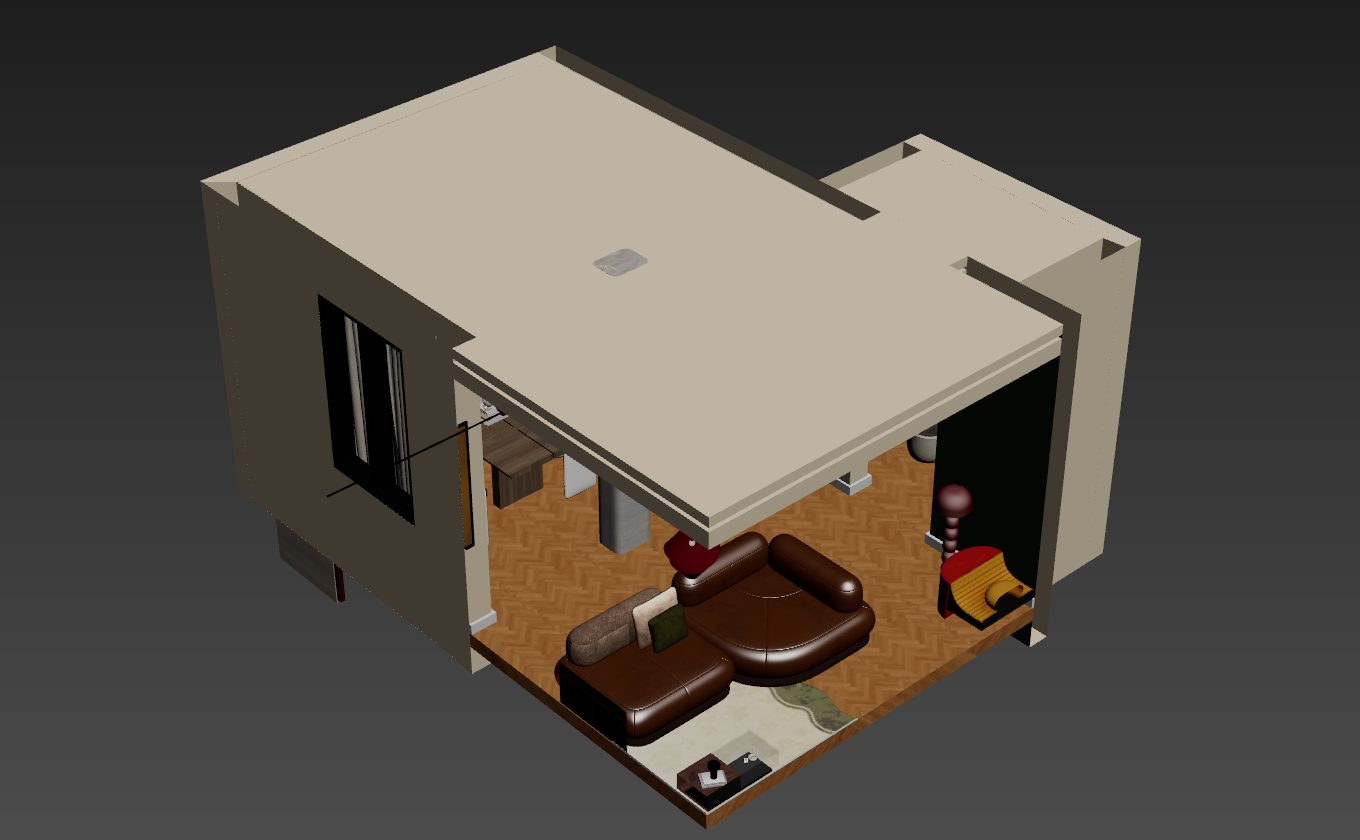
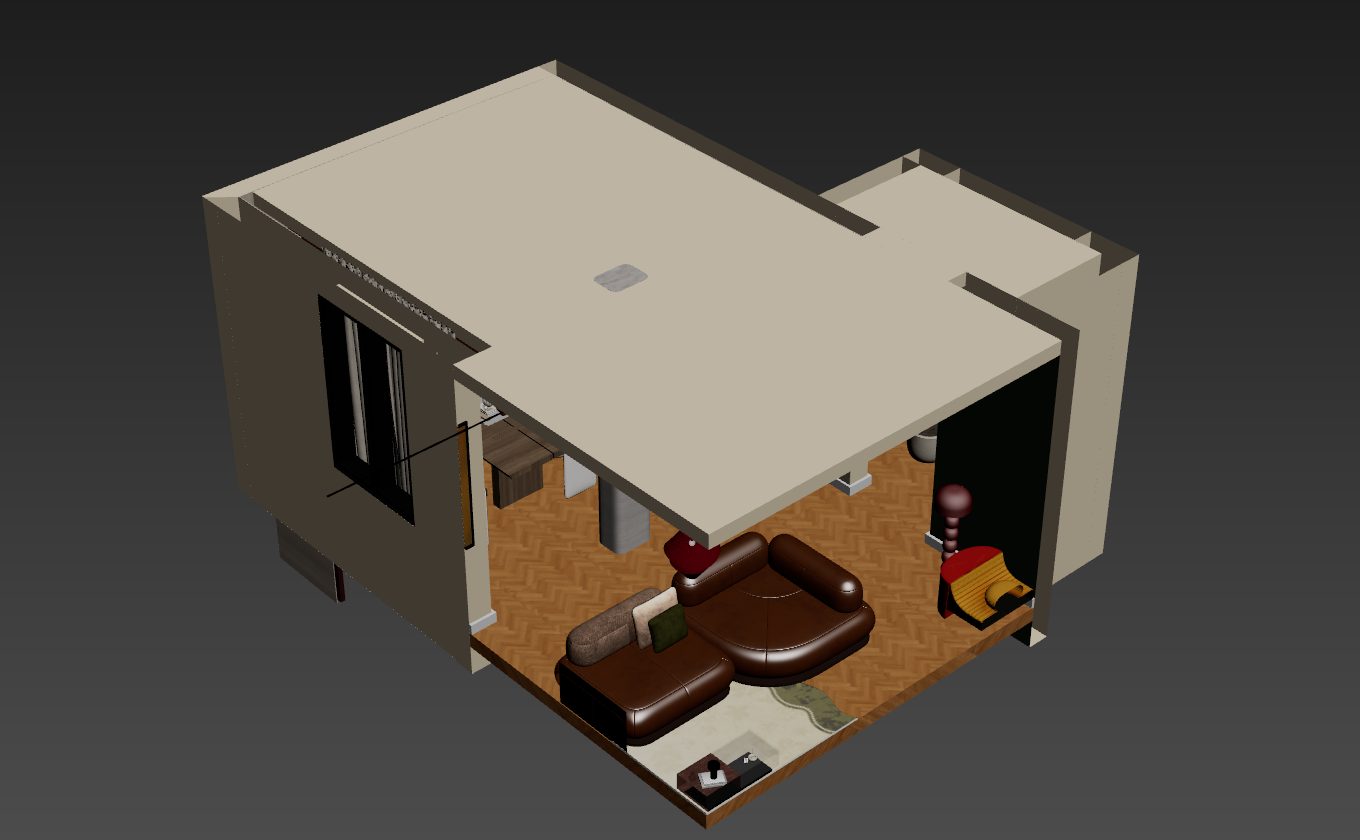
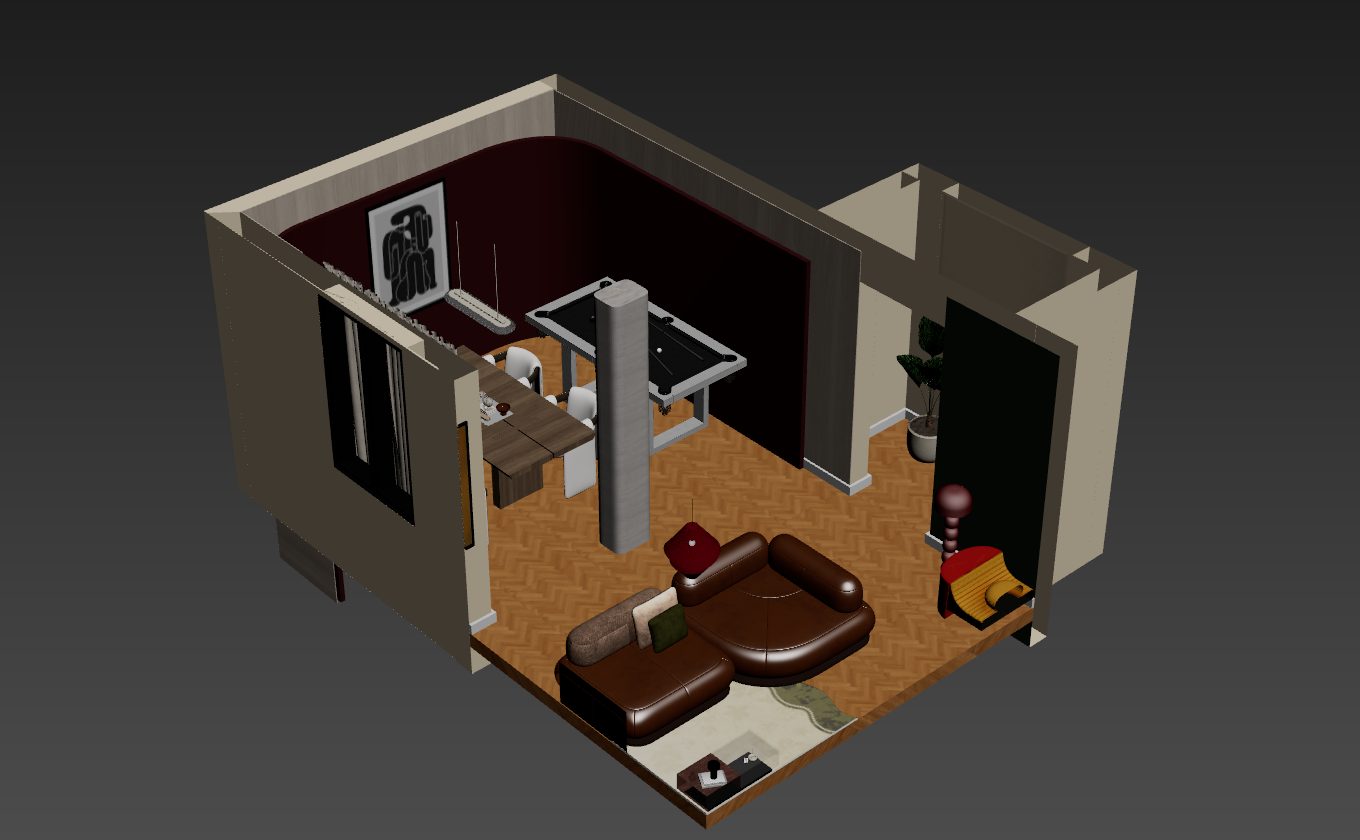
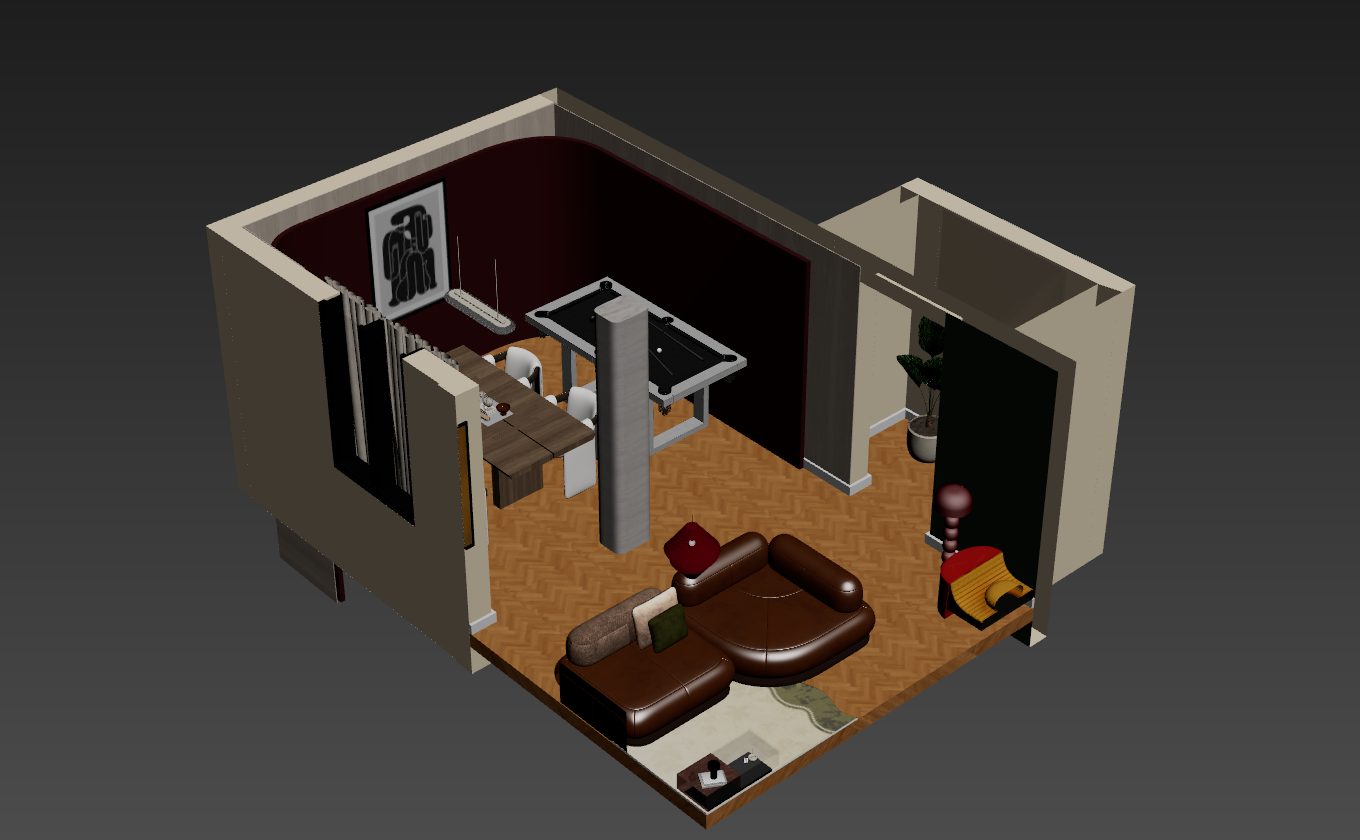
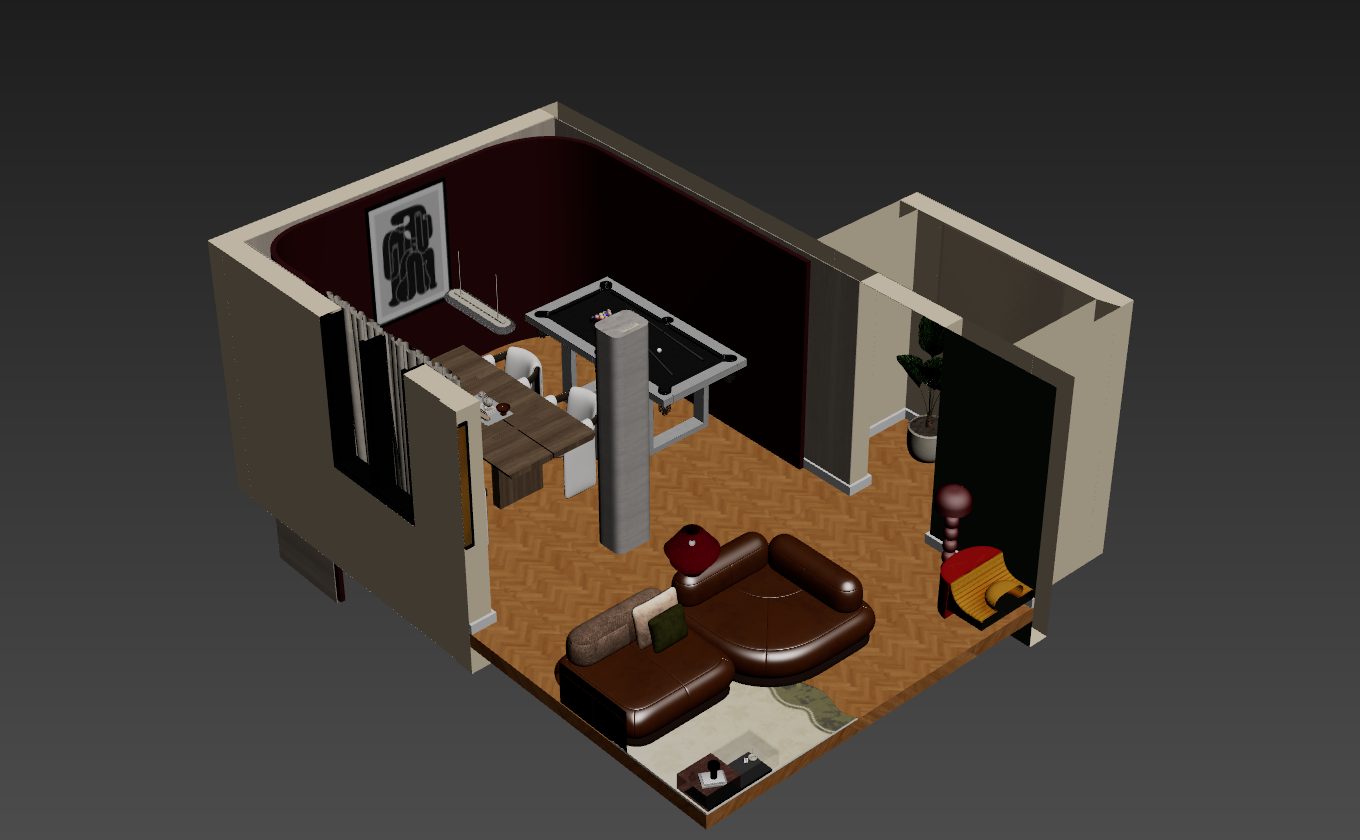
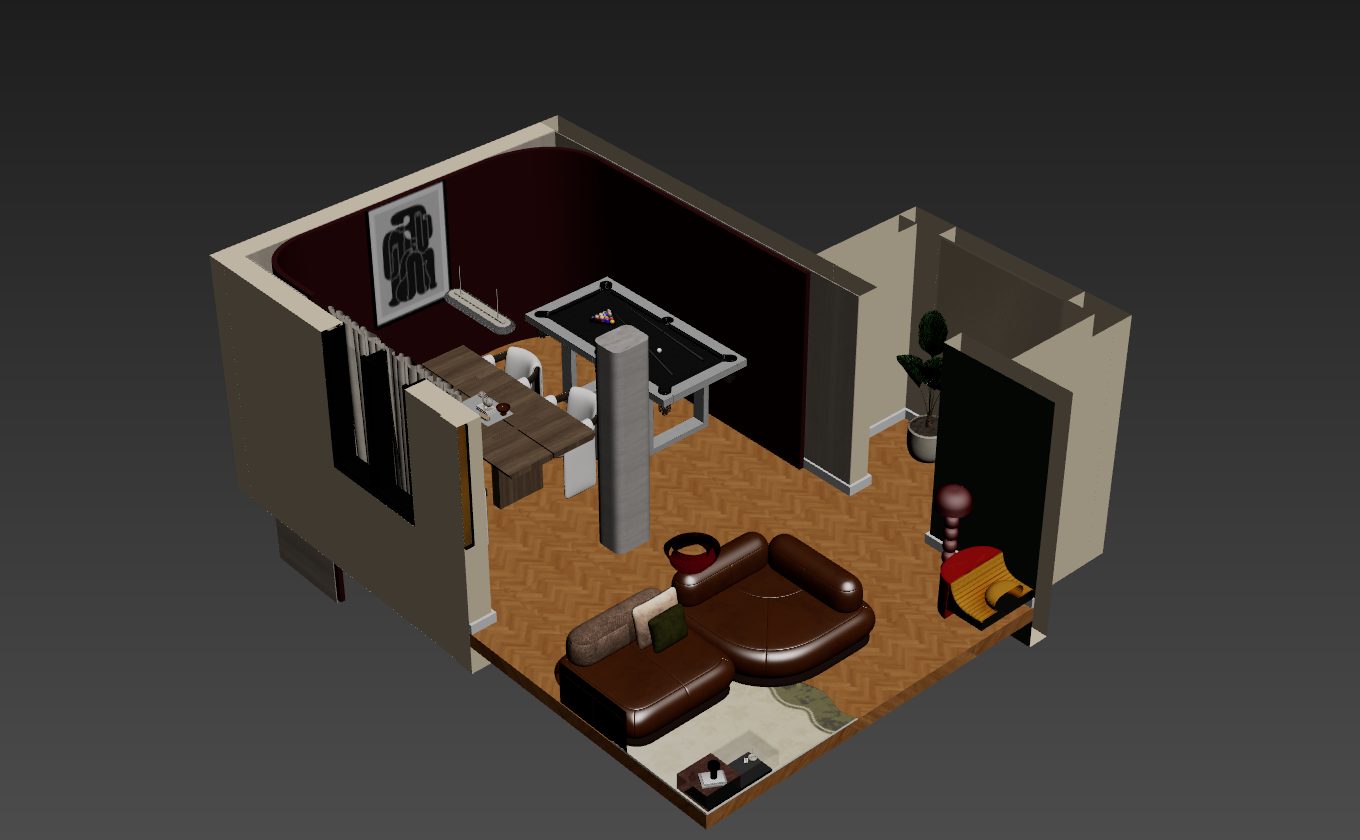
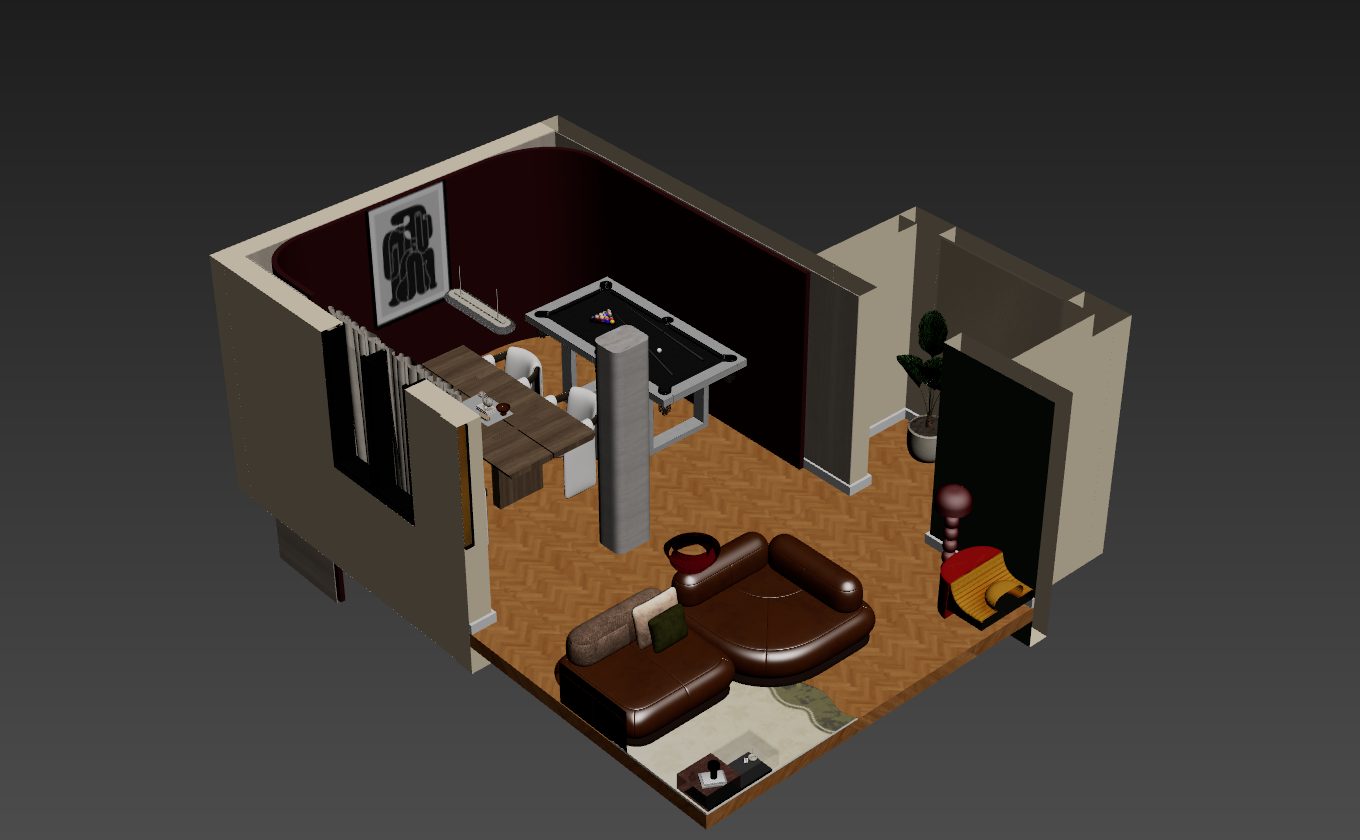
Real frames from 3ds Max. Drag the slider to cut the model.
What is PANEL?
Everything between a 3D model and a printed sheet.
Cut to what the drawing needs
Turn the box on, drag its arrows, and the model is cut. Keep editing as usual: new modifiers go in under the cut.
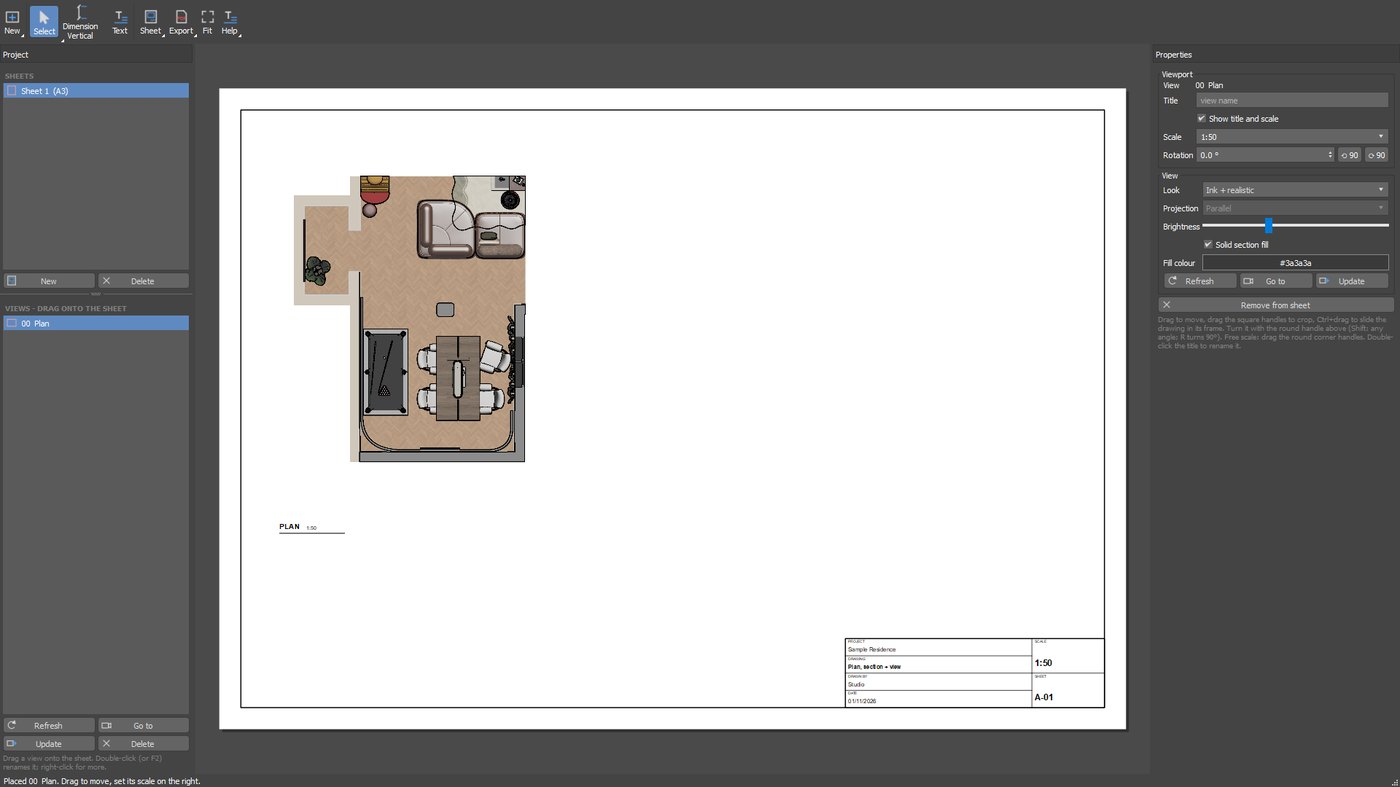
Plans, sections and cameras
Make a view from a preset, the current viewport or a camera. Each one keeps its own extents. Drag it onto the sheet and pick a scale.
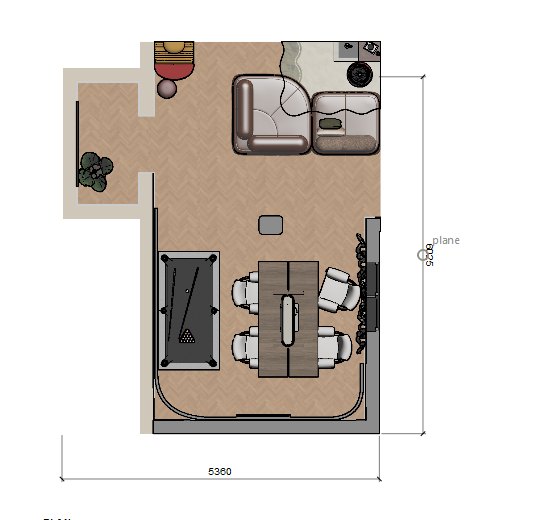
Snaps to the real model
Press D and click two points on the drawing. Each click snaps to the 3D model, so the number comes from your geometry.
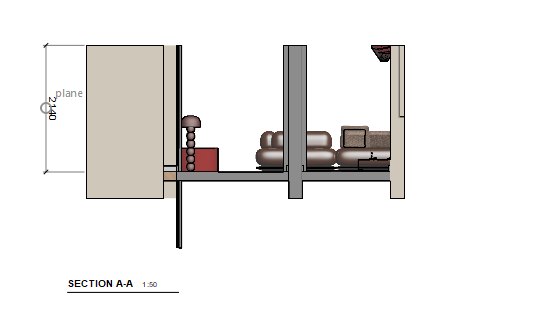
Straight from the cut
Move the box through the building and a section is one view away, with solid fills on closed objects.
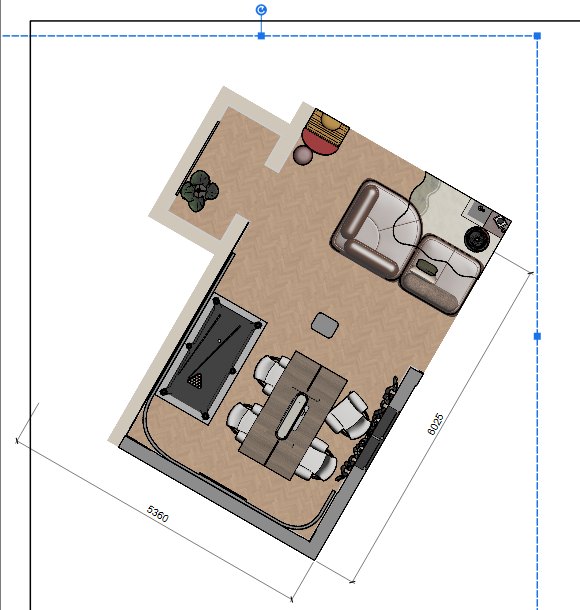
Turn any view on the sheet
Drag the round handle above a view. Dimensions rotate with it and still measure correctly.
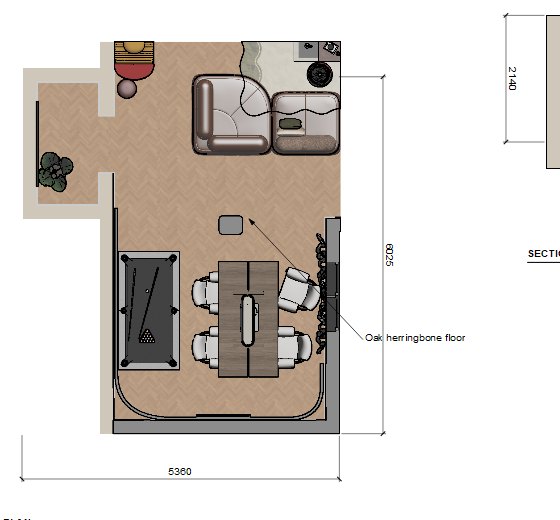
Text with arrows
Press T, click the element, click where the text goes, and type.
A real export
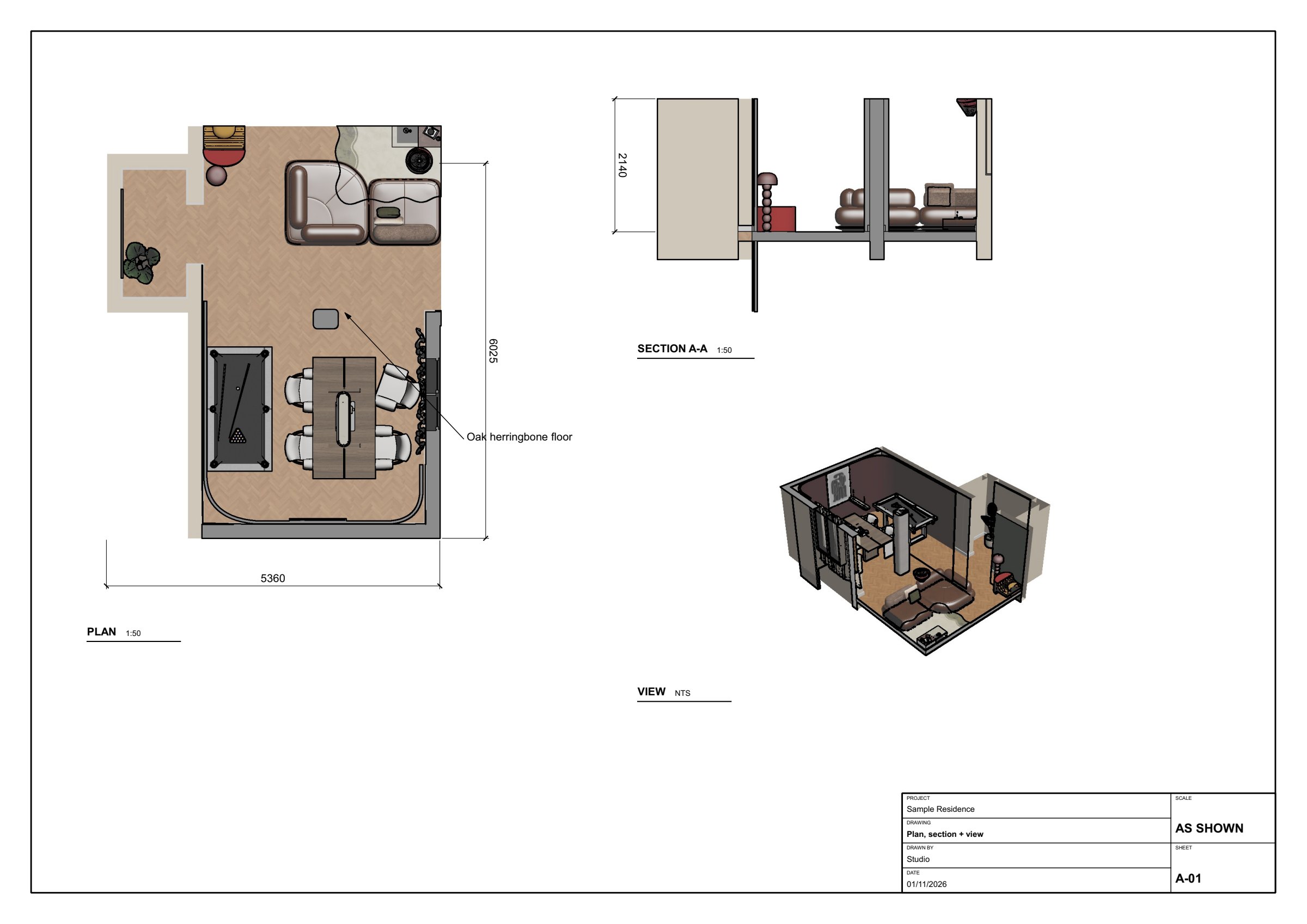
This sheet came out of PANEL as a PDF. Pick a part to look closer.
See it work
Under a minute, from model to PDF.
Get PANEL
PANEL for 3ds Max
- Section box, on or off like Revit
- Plans, elevations, sections and camera views
- Sheets from A4 to A0, at scale, with rotation
- Dimensions that snap to the 3D model
- Text with arrows, section fills, title blocks, templates
- Multi-page PDF at true paper size
- Saved inside your .max file. Works offline
Up and running in a minute
Enter your email and download the zip.
Extract it, then drag Install_PANEL.ms onto a 3ds Max viewport.
Open it from the PANEL menu on the top menu bar.
Compatibility
| 3ds Max 2026 | Tested |
| 3ds Max 2025 and newer | Installs. Testing continues |
| Windows 10 and 11 | Required |
Current version 1.0.0. Report a problem with PANEL
Questions
Where is the PANEL menu?
On the top menu bar in 3ds Max, to the right of Help. If it is not there after installing, restart 3ds Max once.
Where are my sheets saved?
Inside your .max file, so save the scene to keep them. Uninstalling PANEL does not remove them.
Do dimensions update when the model changes?
Views are captured pictures, so press Refresh on a view after changing the model. Dimensions store model points, but do not follow the model if it moves.
How do I uninstall it?
Drag Uninstall_PANEL.ms from the zip onto a 3ds Max viewport.
Do I get a security warning when installing?
PANEL installs from a script inside 3ds Max, with no program to run.